 OVR PAGER
OVR PAGER
OVR PAGER
A walkie-talkie for your friends — in VR or on the desktop.
Hold a friend's tile to talk, release to send. End-to-end encrypted. One account works everywhere; your friends and identity carry over.
Windows 10/11 · 64-bit. SteamVR optional — the desktop app works without a headset.
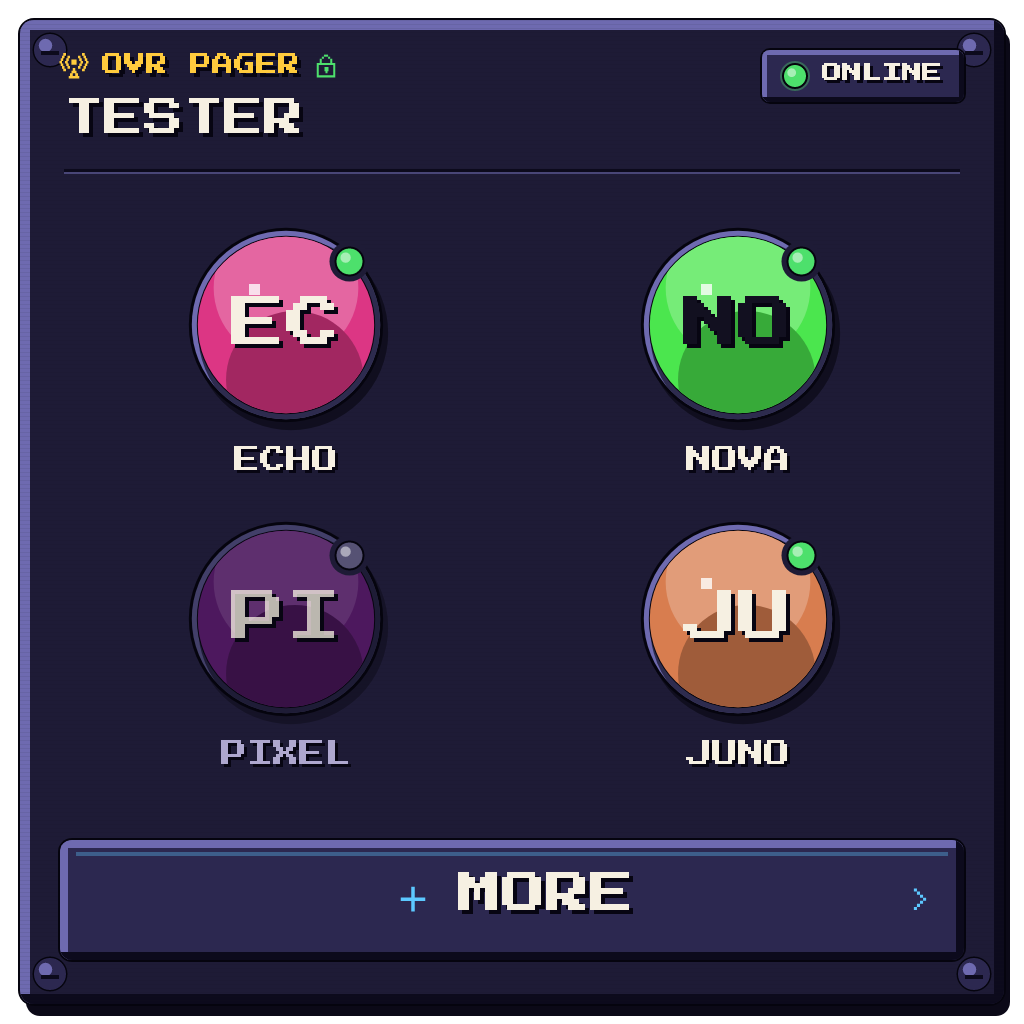
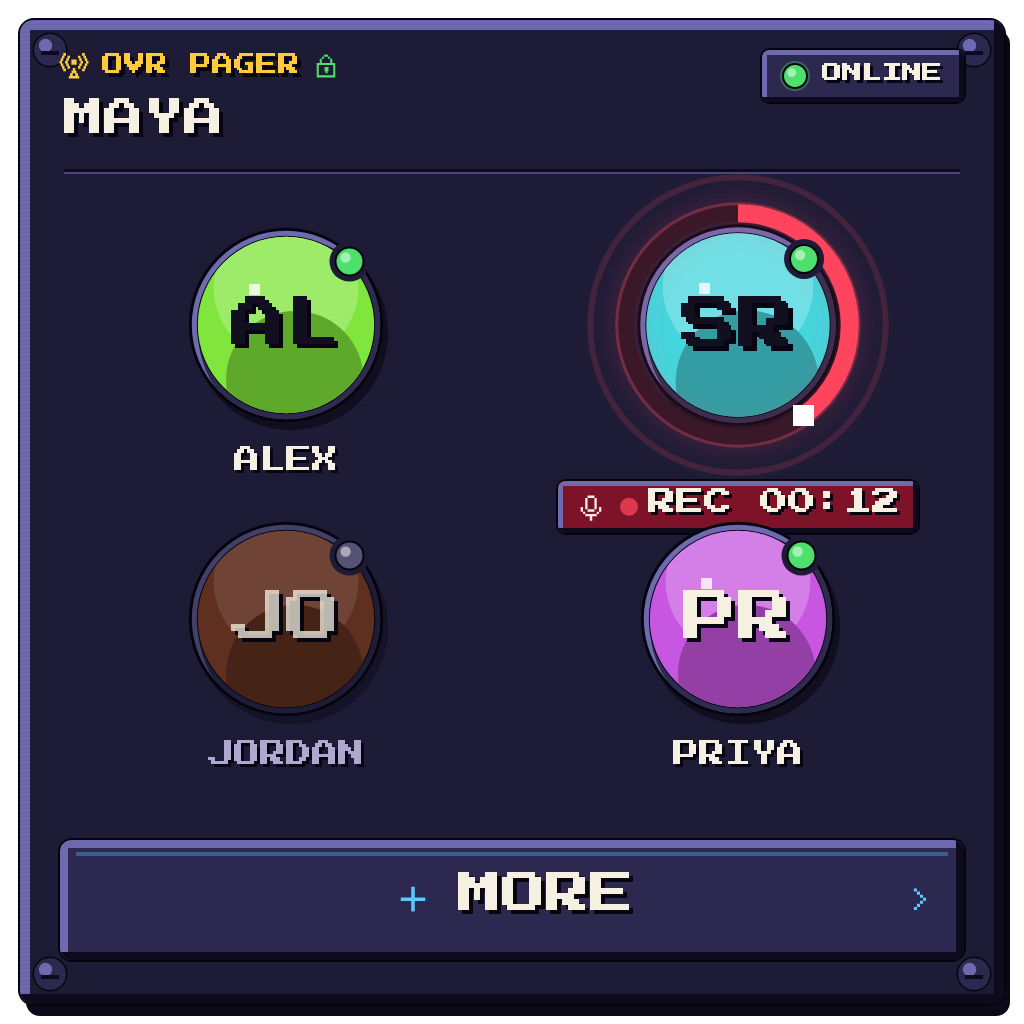
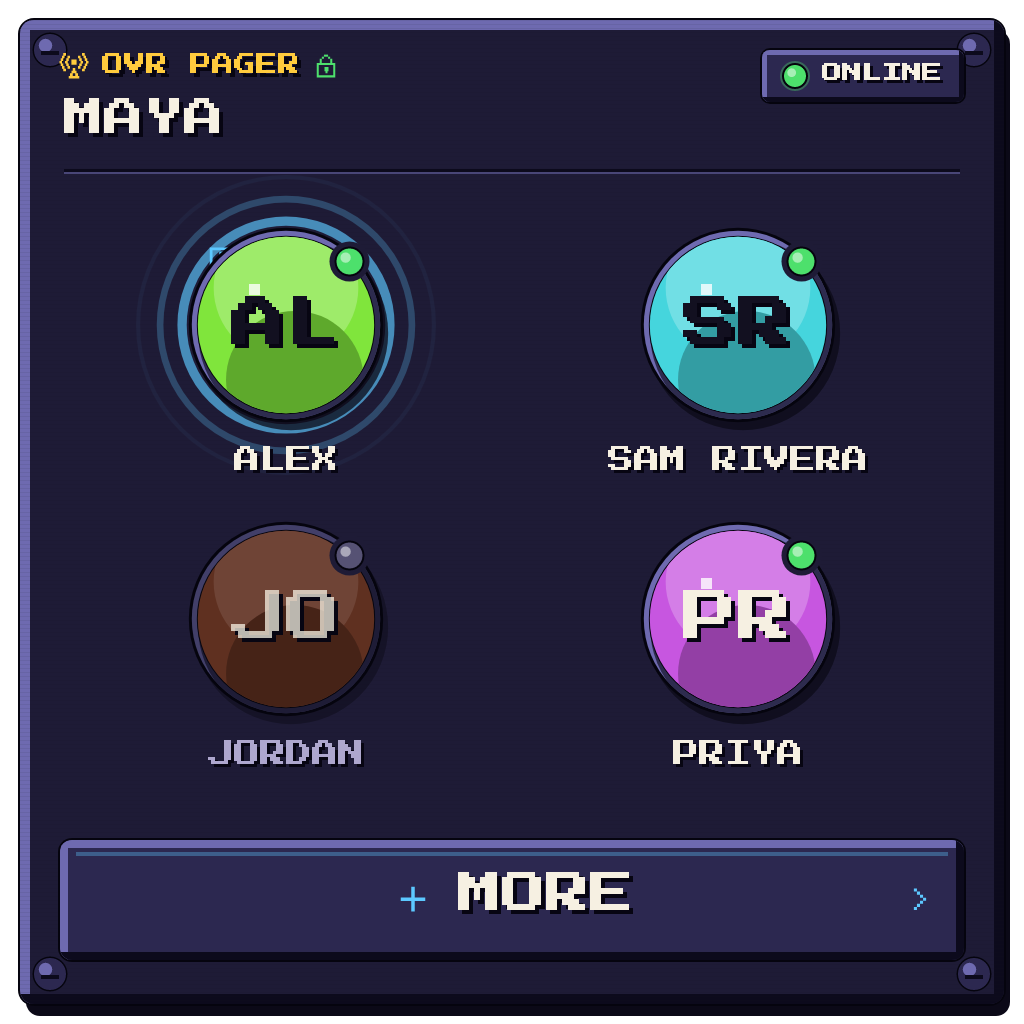
A quick-voice pager. Poke a pinned friend's avatar to record a clip; lift to send. It auto-plays on their end if they're online.
Press and hold a friend's tile to record, release to send. In VR: point and hold the trigger. On desktop: click and hold.
Runs as a SteamVR dashboard overlay or a plain desktop window. Same account either way — switch freely.
The server only ever relays scrambled audio — never plaintext. Identities are signed keys, not passwords.
Make a channel, share one invite link. Everyone who opens it joins automatically. Hold the channel to talk to the whole group.
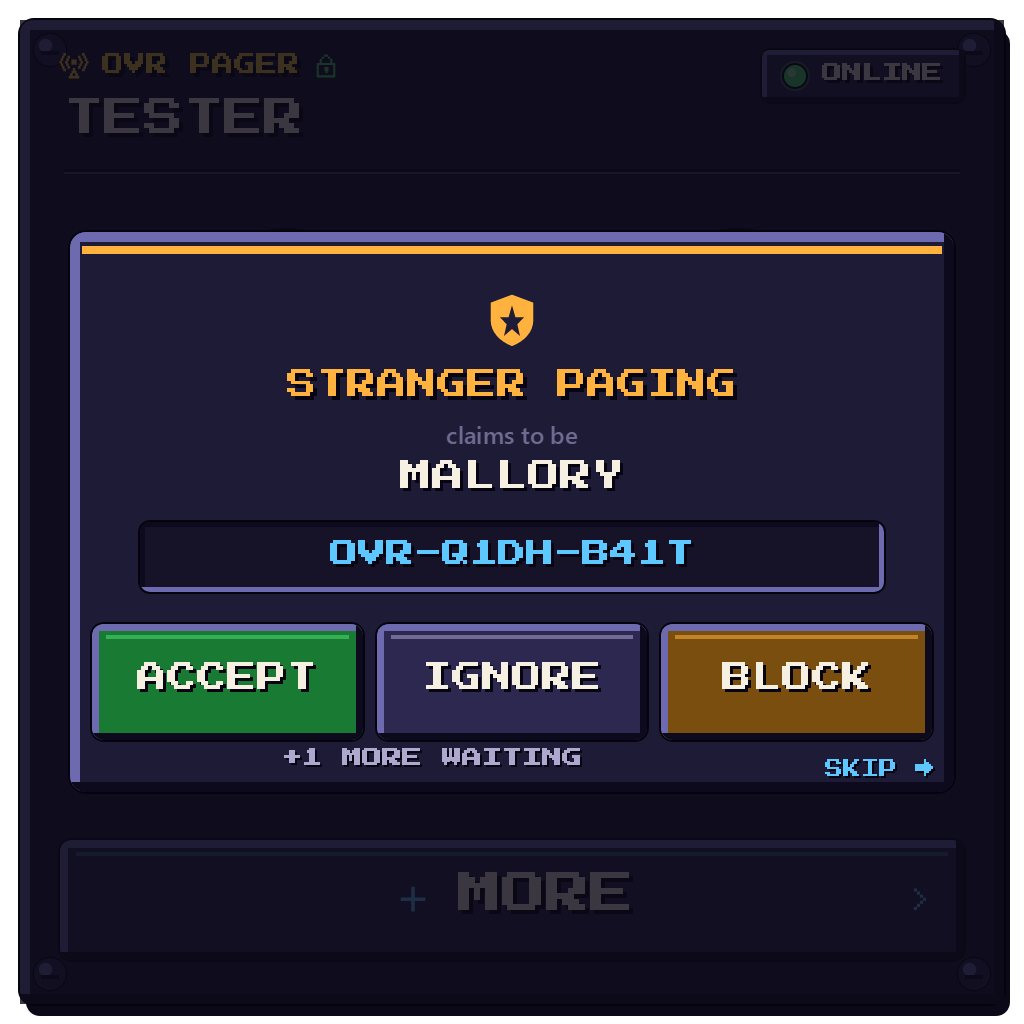
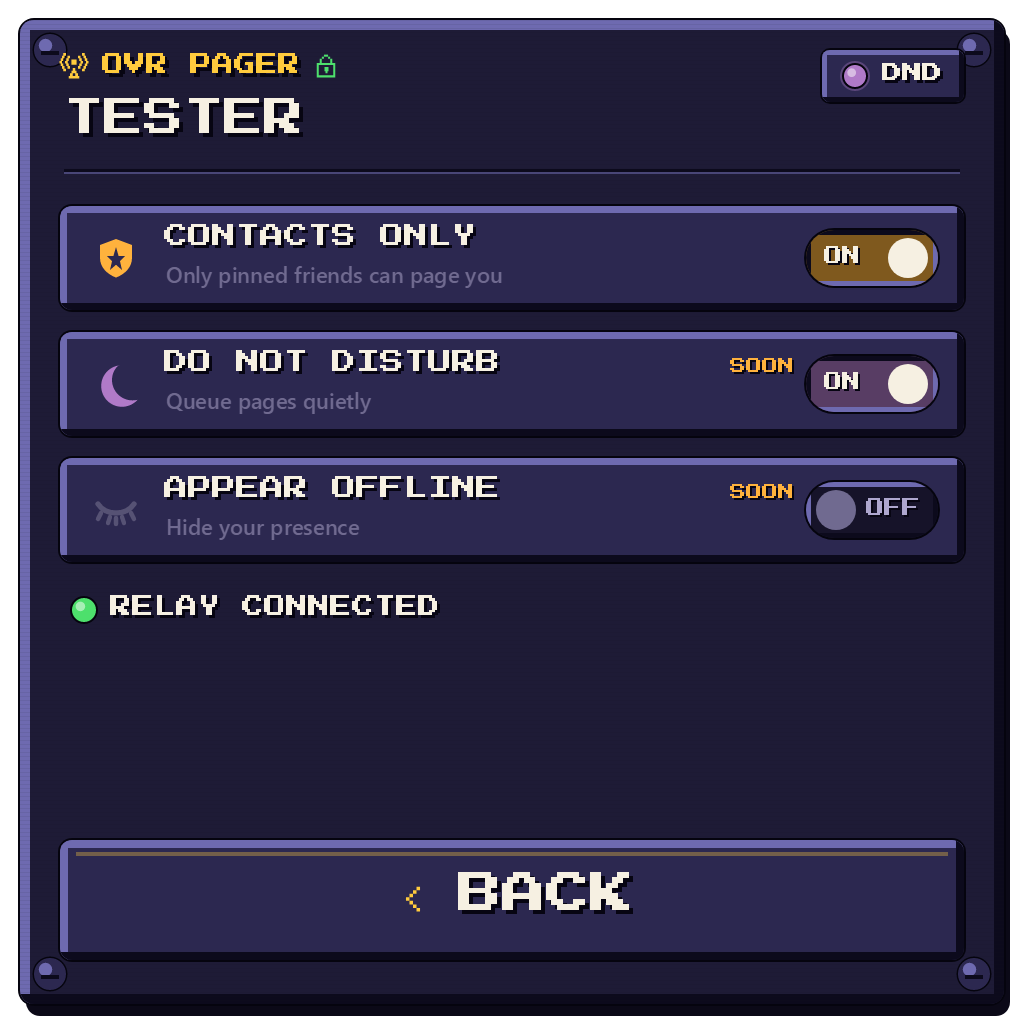
The in-headset overlay and desktop app share the same retro look.
No installer. Download, unzip, double-click. About two minutes.
Grab OVRPager-win-x64.zip above and extract it anywhere — your Desktop is fine. It's fully self-contained.
Double-click Start OVR Pager (VR).cmd (start SteamVR first — it appears as an OVR Pager icon in your dashboard dock) or Start OVR Pager (Desktop).cmd for a normal window, no headset needed.
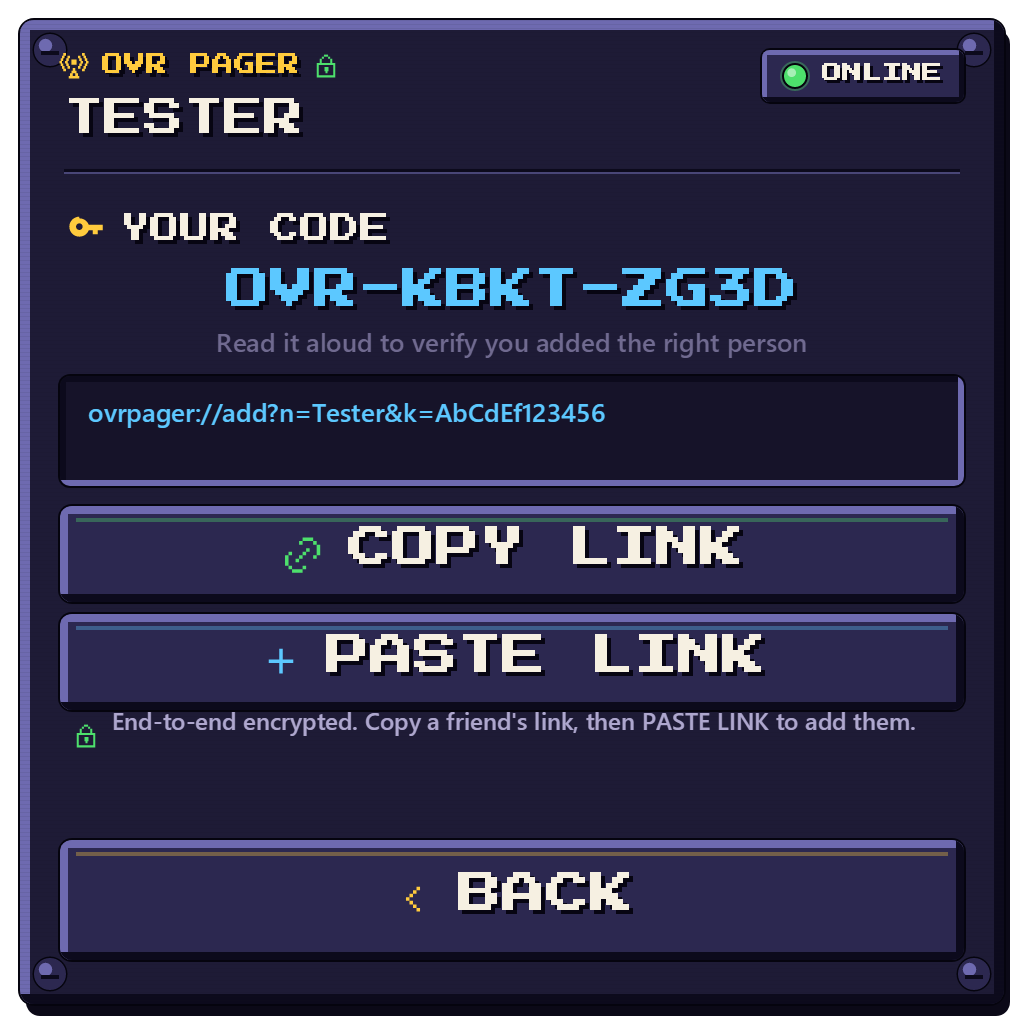
Pick a display name and allow the microphone. The app shows your invite link (ovrpager://…).
Send a friend your link; open theirs on your PC to add them. Or create a group channel and share the one link — everyone who opens it joins.
Hold their tile to record, release to send. Both of you need to be online — offline pages are dropped, not stored.
⚠ "Windows protected your PC"? The app isn't code-signed yet. Click More info → Run anyway. Allow the microphone when asked.